27 October 2026 · 1 min read
A face scan as the first step into your practice
How a branded self-scan page turns interest on your website and social media into leads you can follow up — with results attached.
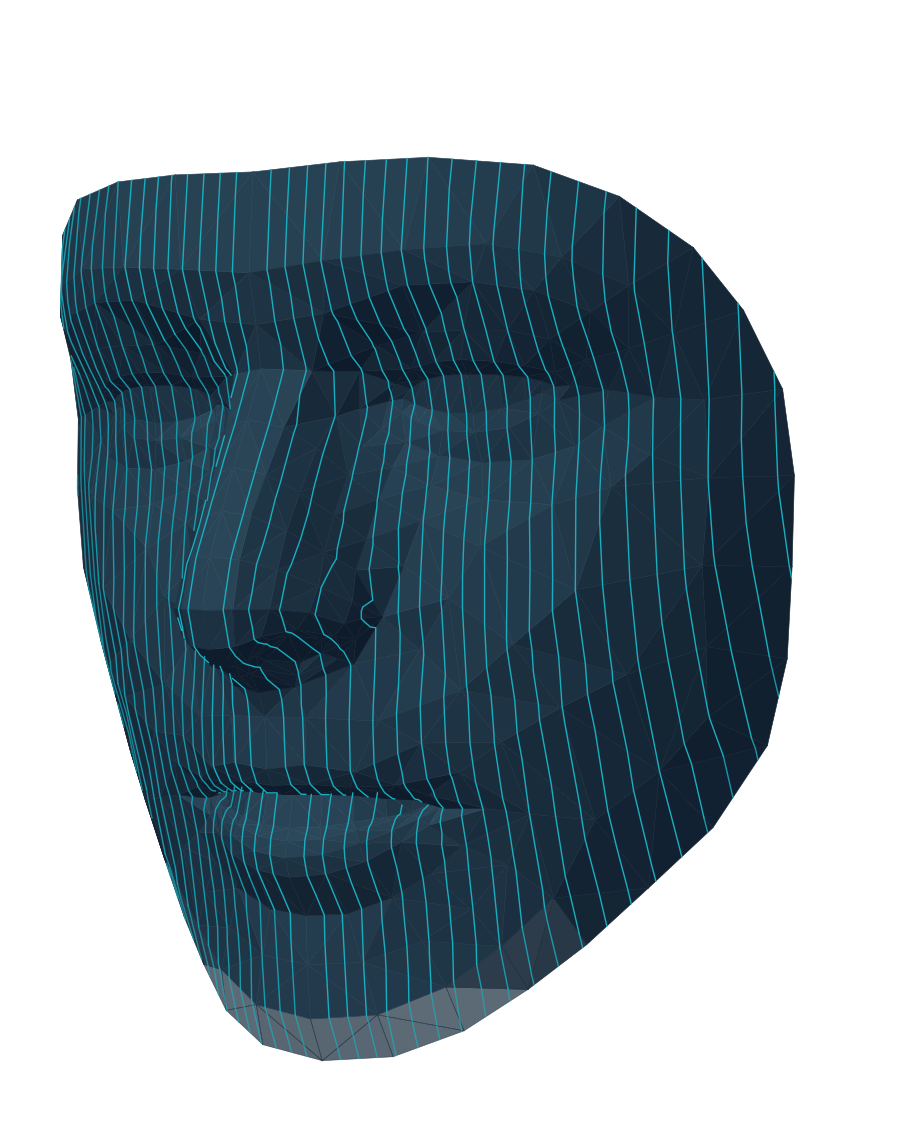
Most people who are curious about an aesthetic treatment never call. They read, they compare, they leave. A self-scan page gives them something to do instead: scan their own face on their phone, see a short summary, and leave their details if they want to know more.
What visitors see
Your scan page carries your logo, your colours, a welcome image and a doctor photo. Visitors open the link on their phone, scan themselves without installing anything, and see a short summary of their results. Those who leave their contact details become leads — and a summary can be emailed to your practice.
What you see
New leads appear in your workspace with what the person saw and their full scan results. On Home you see how many are waiting, and at which stage people drop off between scanning and becoming a patient.
When the person comes in, open the lead and create the patient: the record starts with the scan already attached.
Where to put the link
- On your website, next to the treatments people read about.
- In your social media profiles and posts.
- As a QR code in the waiting room or at the reception desk.
- In email newsletters to existing patients.
If you have set up opening hours, people can request one of your free slots straight from their results. Requests arrive in your schedule as Requested until you confirm them.
Events and demos
Demo mode is made for events and live demonstrations: it asks only for age, gender and an optional email, and leads captured in it are held out of your outcomes and not billed.
Get found
List your practice in the Caarisma Expert Finder, the public directory where people search for a practitioner by place — your listing leads straight to your scan page.