
Expert Finder
The Expert Finder is Caarisma's public directory. People looking for a practitioner search it by place and open a listed practice's scan page or website.

- 01
Add your locations
Add each practice location with its name and address. With several locations, the rank decides which is shown first, and any location can be hidden for a while.
Where in the app
Settings › Organization › Expert FinderTip Set up lead generation first — your listing leads visitors to your scan page and website.
- 02
Turn the listing on
Switch on the listing for your organization. Its active locations then appear in the directory, where people looking for a practitioner nearby can find you.
- 03
Get found
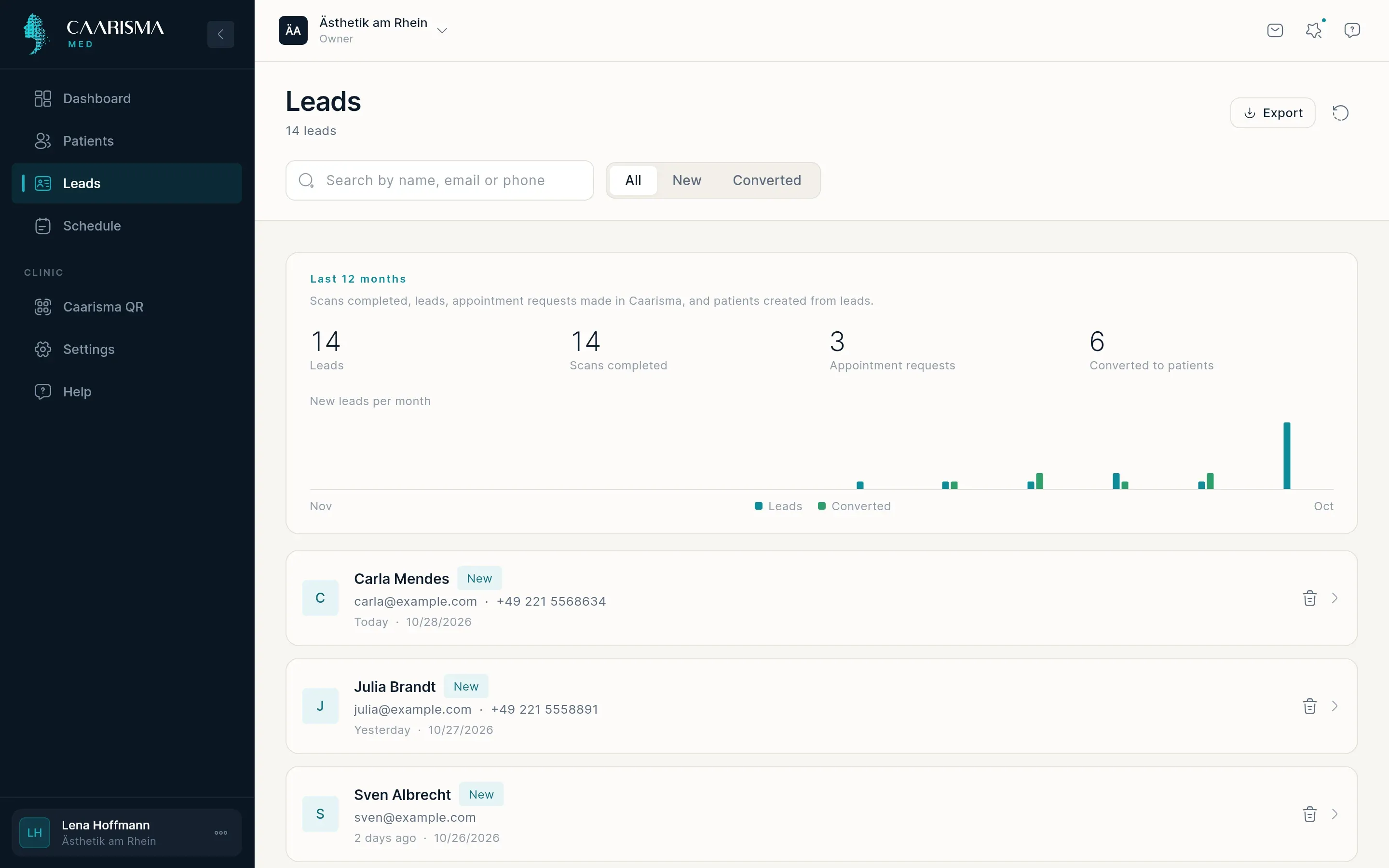
Visitors search by city or country and open your listing — straight into your scan page or your website. Anyone who scans shows up in your Leads.
Try it in your own practice
Set up your practice in minutes, add your first patient and read your first analysis today — or let us walk you through it.
14 days free · Cancel anytime · Hosted in Germany