
Tracking Progress
Caarisma becomes more valuable with every visit. Follow-up scans show what a treatment achieved — for the patient in front of you and across your whole practice.
- 01
Rescan after a treatment
Upload a new scan for the same patient once the results of a treatment have settled — usually after two to four weeks. Take it under the same conditions as the first scan.
Tip Book the follow-up scan when you book the treatment, so it is not forgotten.
- 02
Compare scans
In the scan strip on the results page, long-press a scan or tick its checkbox to select it for comparison. Caarisma lines up the indices of the selected scans and shows what changed. Use 'Set as baseline' to choose which scan the others are measured against.
- 03
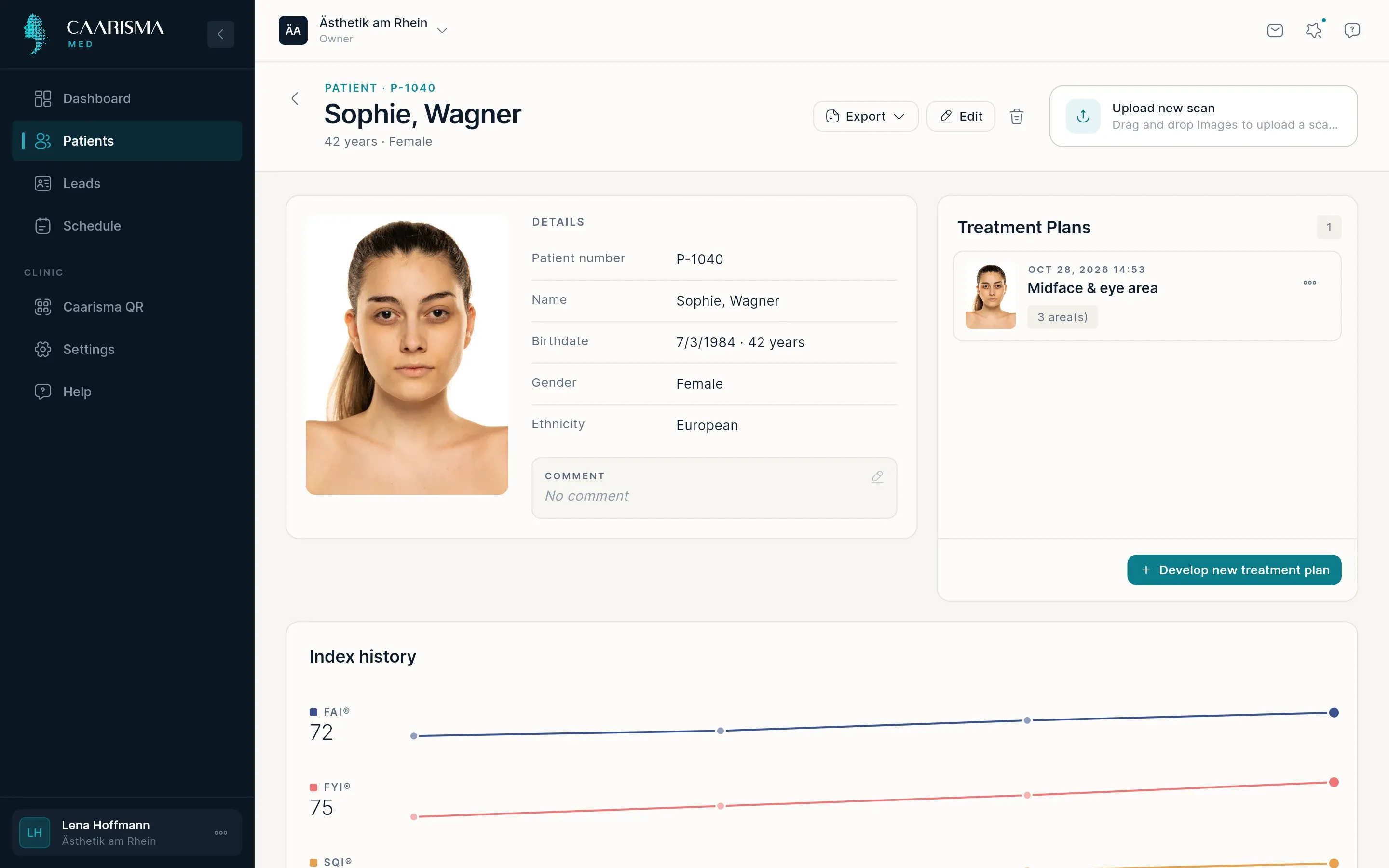
Index history
The patient's page charts every index across all of their scans, so the whole course of treatment is visible in one view — a strong picture to share with the patient.
- 04
Outcomes across your practice
On Home, Patient outcomes compares the first and the latest scan of every patient who has a repeat scan and reports the average change for your practice.
Tip The figure appears once at least five patients have a repeat scan — below that an average would be misleading.
Try it in your own practice
Set up your practice in minutes, add your first patient and read your first analysis today — or let us walk you through it.
14 days free · Cancel anytime · Hosted in Germany