
Scan App
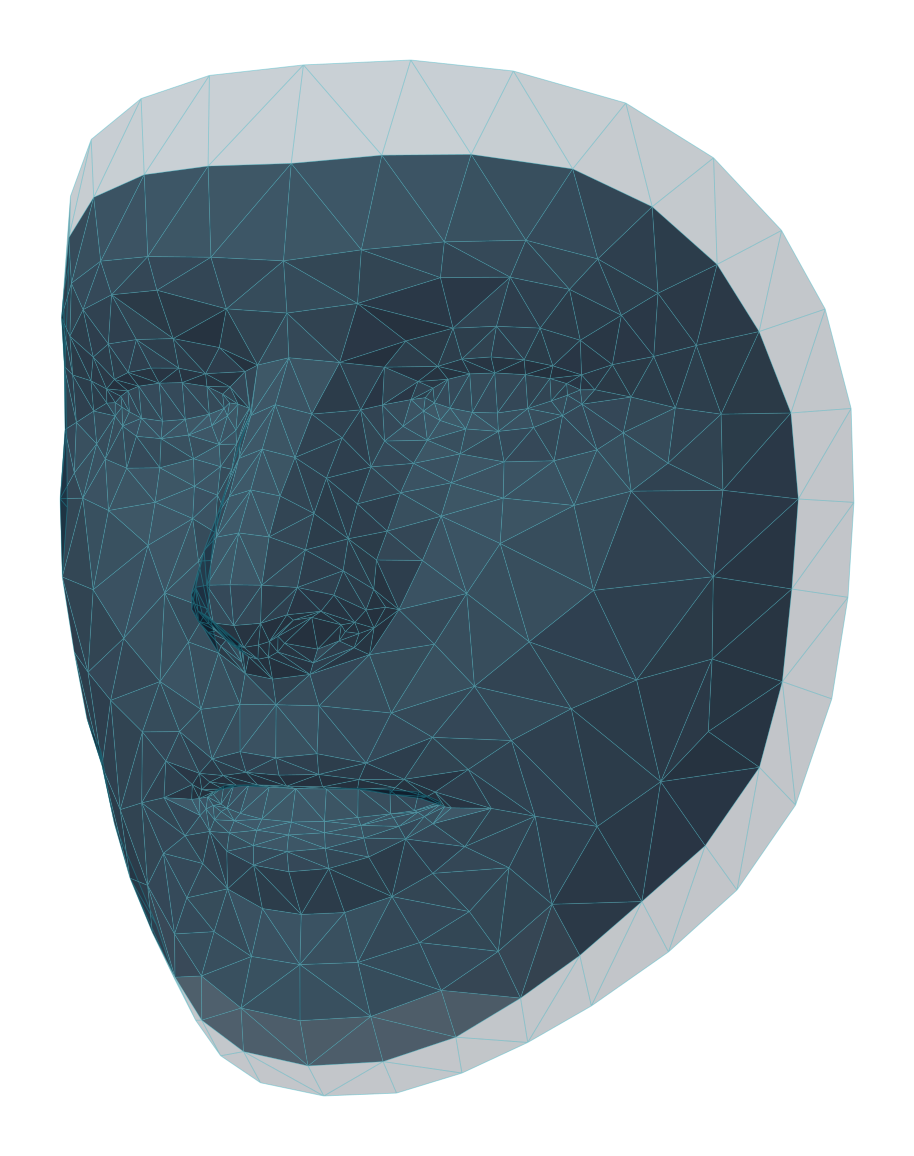
Caarisma MED Scan is our iPhone app for taking scans where you treat. It guides the patient into position with live feedback and sends every scan straight to the patient's record — no photos to transfer or upload by hand.
- 01
Why scan with the app
Every scan is taken the same way: the app checks distance, position and expression before it captures, so follow-up scans line up with the first one. That consistency is what makes before-and-after comparisons reliable.
- 02
Download and sign in
Install Caarisma MED Scan from the App Store and sign in with the account you use here. Choose your practice and your patients are already there; you can also add a new patient from the phone.
- 03
Follow the live guidance
Pick a patient and start a new scan. The app tells the patient when to move closer, look straight ahead, keep a neutral face or turn their head, and captures each view on its own. Review the shots and retake any before sending them for analysis.
Tip Hold the phone steady at eye level — a phone stand makes repeat scans even more consistent.
- 04
Results land in the record
The scan is analysed and saved to the patient's record in the workspace, ready to review, compare and plan from — exactly like an uploaded photo.
Try it in your own practice
Set up your practice in minutes, add your first patient and read your first analysis today — or let us walk you through it.
14 days free · Cancel anytime · Hosted in Germany