
Scan Upload
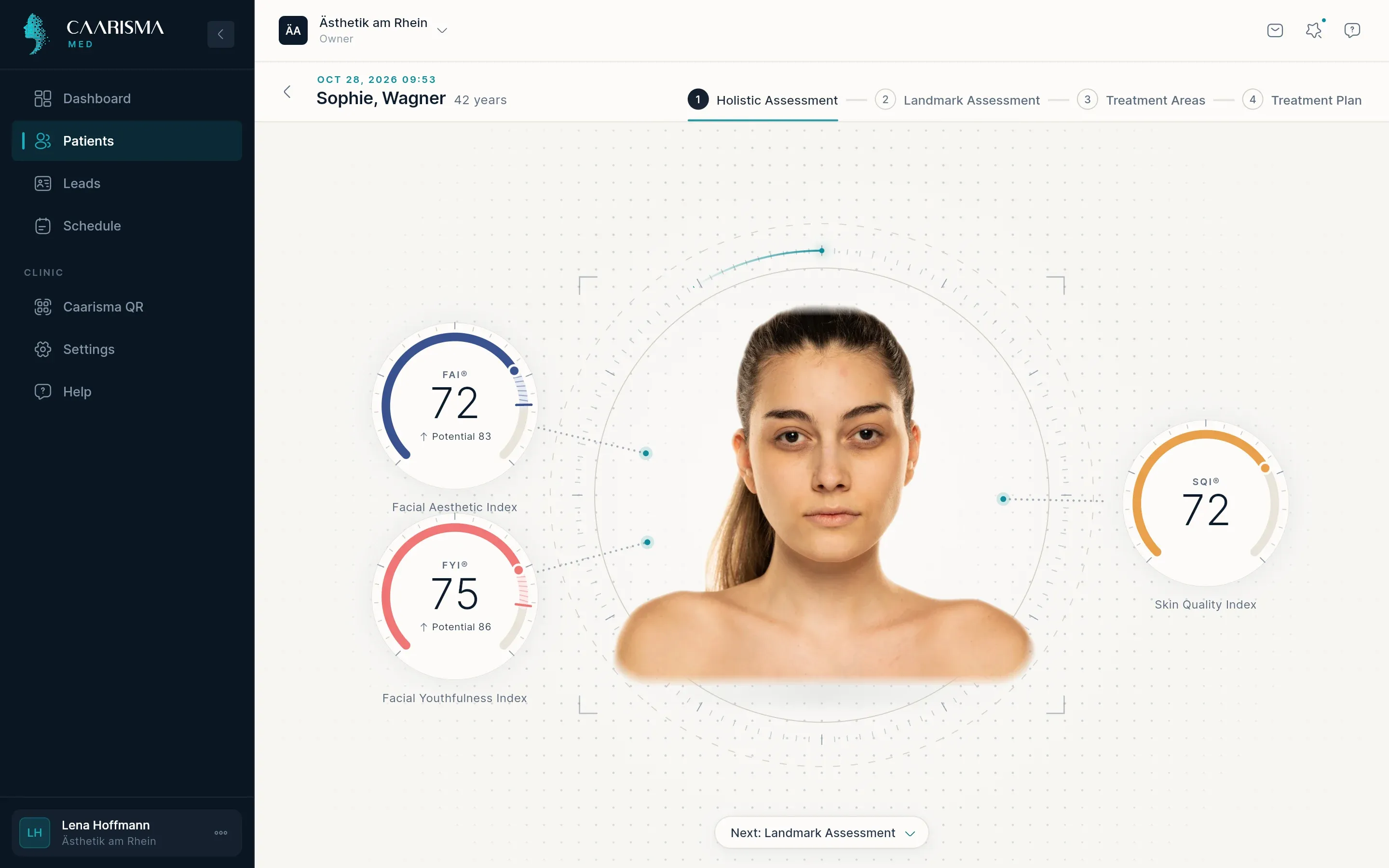
A scan is a portrait photo of the patient that Caarisma analyses. The quality of the photo decides the quality of the result, so this section starts with how to take a good one.
- 01
Take a good photo
Place the patient in front of a plain background, facing the camera straight on, with the face filling most of the frame. Light should fall evenly on both sides of the face — daylight from a window behind the camera or two lamps either side work well. Ask for a neutral expression and hair away from the face.
- 02
Upload the scan
Open the patient and click 'Upload new scan', or drag the photo straight onto the patient's page. JPG and PNG files are supported. The upload starts right away and the analysis follows automatically.
Where in the app
Patients › patient › Upload new scan - 03
Wait for the analysis
The analysis usually takes a minute or two, and you can keep working in the meantime. The scan shows as analysing under Recent scans on Home and on the patient's page, and its results appear as soon as they are ready.
- 04
The first scan is the baseline
A patient's first scan is the reference every later scan is measured against. Take it before any treatment, under conditions you can reproduce at follow-up visits.
Tip Same room, same light, same distance: consistent photos make comparisons trustworthy.
Try it in your own practice
Set up your practice in minutes, add your first patient and read your first analysis today — or let us walk you through it.
14 days free · Cancel anytime · Hosted in Germany